
LIVE IPTVGame night.
Game night.
Fight night. Race day.
- Football
- Fight events
- Basketball
- Motorsport
- Tennis
- News
Available live channels in one familiar IPTV player.


Live television, available sports, movies and series—with an IPTV subscription built around your screens. Compare durations and connections, then test your own device before choosing.
24-hour trial on request · No card required · Device setup guidanceMove from match day to movie night without learning a new interface.
Available live channels in one familiar IPTV player.

Available entertainment for the quieter moments between events.
Use a compatible IPTV player on popular televisions, streaming devices, phones, tablets and computers.
Choose 3, 6 or 12 months and the number of simultaneous connections. IPTV multiple connections means more streams playing at the same time—not unlimited use.
A short trial helps you check the things that matter: player compatibility, channel availability, navigation and stream quality.
Bring your available sports and entertainment access into one straightforward IPTV setup.
A streamlined setup focused on getting you from the guide to the action.
Higher-quality streams where the source, device and connection support them.
Use popular compatible players rather than learning a proprietary interface.
Clear resources for televisions, Fire TV, Android devices, phones and computers.
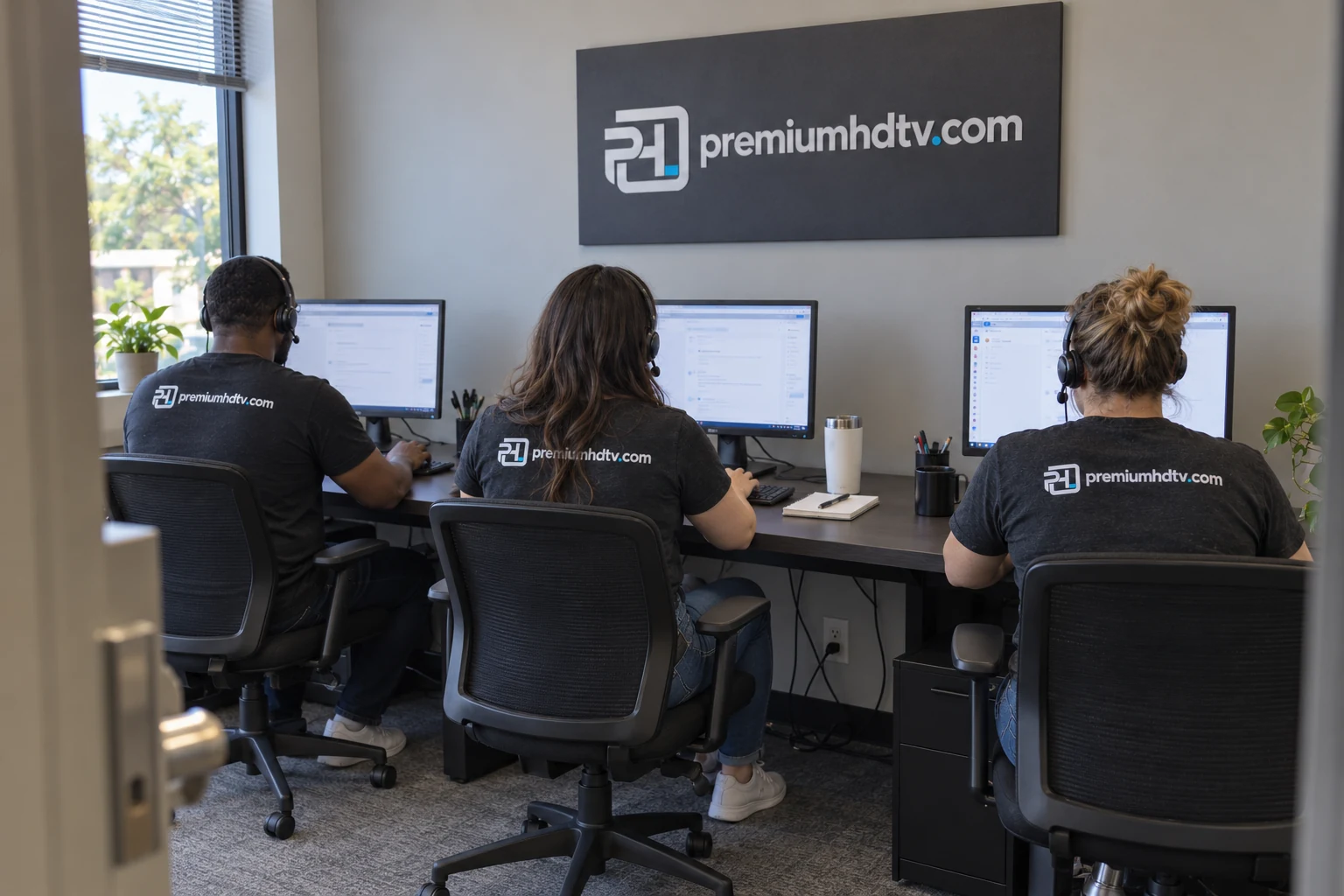
From selecting a compatible player to entering your activation details, our guides walk through the process in plain language.
Mobile-friendly guides built for the questions viewers ask before and after activation.
A practical first-time setup for adding an authorized IPTV playlist, loading the guide and creating a cleaner channel list.
Read guide →SETUP & TROUBLESHOOTINGConfigure the player on a compatible TV, phone or tablet using account details from an authorized service.
Read guide →SETUP & TROUBLESHOOTINGFind your television’s device identifiers, connect an authorized playlist and complete the first refresh.
Read guide →SETUP & TROUBLESHOOTINGPrepare your Fire TV, choose a compatible player and connect the authorized details supplied with your service.
Read guide →SETUP & TROUBLESHOOTINGWork through the likely causes in order: connection quality, local Wi-Fi, device load, player settings and source availability.
Read guide →SETUP & TROUBLESHOOTINGAn electronic programme guide connects channel names with show times. This IPTV EPG setup checklist helps when TiviMate EPG is not working, listings are empty or programmes appear at the wrong time.
Read guide →SETUP & TROUBLESHOOTINGFollow this IPTV Samsung TV setup guide to check your model, install a compatible player and connect your authorized playlist. There is no single app that is guaranteed to work on every Samsung television.
Read guide →SETUP & TROUBLESHOOTINGThis IPTV LG TV setup guide covers the checks that matter on webOS: app availability, playlist login, player activation and a sensible first playback test.
Read guide →SETUP & TROUBLESHOOTINGLooking for XCIPTV setup instructions? Ottrun now describes its player as OTR Player, formerly XCIPTV. Check the developer and your installed version before following a tutorial written for an older interface.
Read guide →SETUP & TROUBLESHOOTINGM3U vs Xtream Codes is a comparison of connection methods—not a contest between content packages. Use the format supplied by your authorized service and accepted by your player.
Read guide →SETUP & TROUBLESHOOTINGCompare TiviMate vs IPTV Smarters by your device, login method and viewing habits. The right choice is the one that works reliably with your authorized access—not the app with the biggest marketing promise.
Read guide →Clear answers about subscriptions, devices and setup.
One simultaneous connection costs $29 for 3 months, $45 for 6 months or $69 for 12 months. Select more connections to see the total before contacting us. Player licenses, if required, are separate.
Use the trial button to contact us on WhatsApp, Telegram or email. Ask for a free 24-hour IPTV trial and tell us your device. Our team confirms availability and sends the setup details.
Start with the guide for your player or device: TiviMate setup, IPTV Smarters setup, IBO Player setup or IPTV Firestick setup. Our EPG and buffering guides cover problems after installation.
Yes. Ask for the current lineup for your location and test the channels you need. Content and picture quality depend on the source, region, rights, device and connection.
It provides subscription access for use with a compatible IPTV player, including the live and on-demand content available in your selected service.
It works with many Smart TVs and streaming devices through compatible IPTV players. Use a trial to confirm your exact device and preferred app.
The exact lineup depends on region and applicable content rights. Ask for the current lineup and test the channels that matter to you before subscribing.
Yes. Select the number of simultaneous connections you need. Each stream playing at the same time uses one connection.
HD and 4K may be available depending on the channel, source, device, connection speed and regional availability.
You receive activation details plus guidance for adding them to a compatible player. Delivery time can vary depending on order verification.
Start by checking Wi-Fi strength, device load and player cache. Our buffering guide covers these steps in detail.
Confirm device compatibility and available content before choosing a subscription.